How I built this site.
My own site, from style guide to working pages, with AI built in. Then I rebuilt it in two other setups, to learn how they compare.
The video
A short look at where AI helped.
Style guide
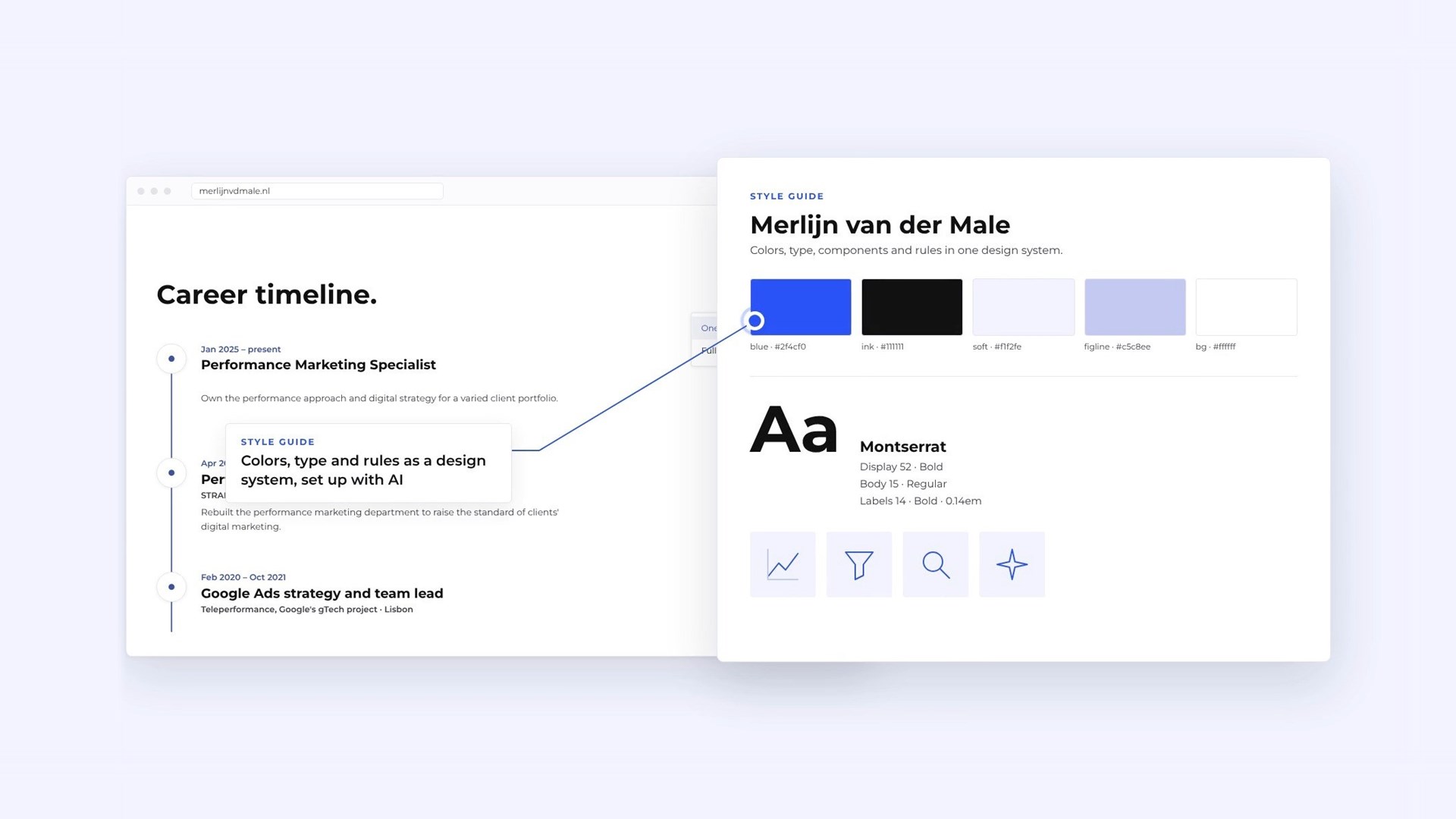
Colors, type and rules in one design system, set up first so every page follows the same decisions.
Copy and hero
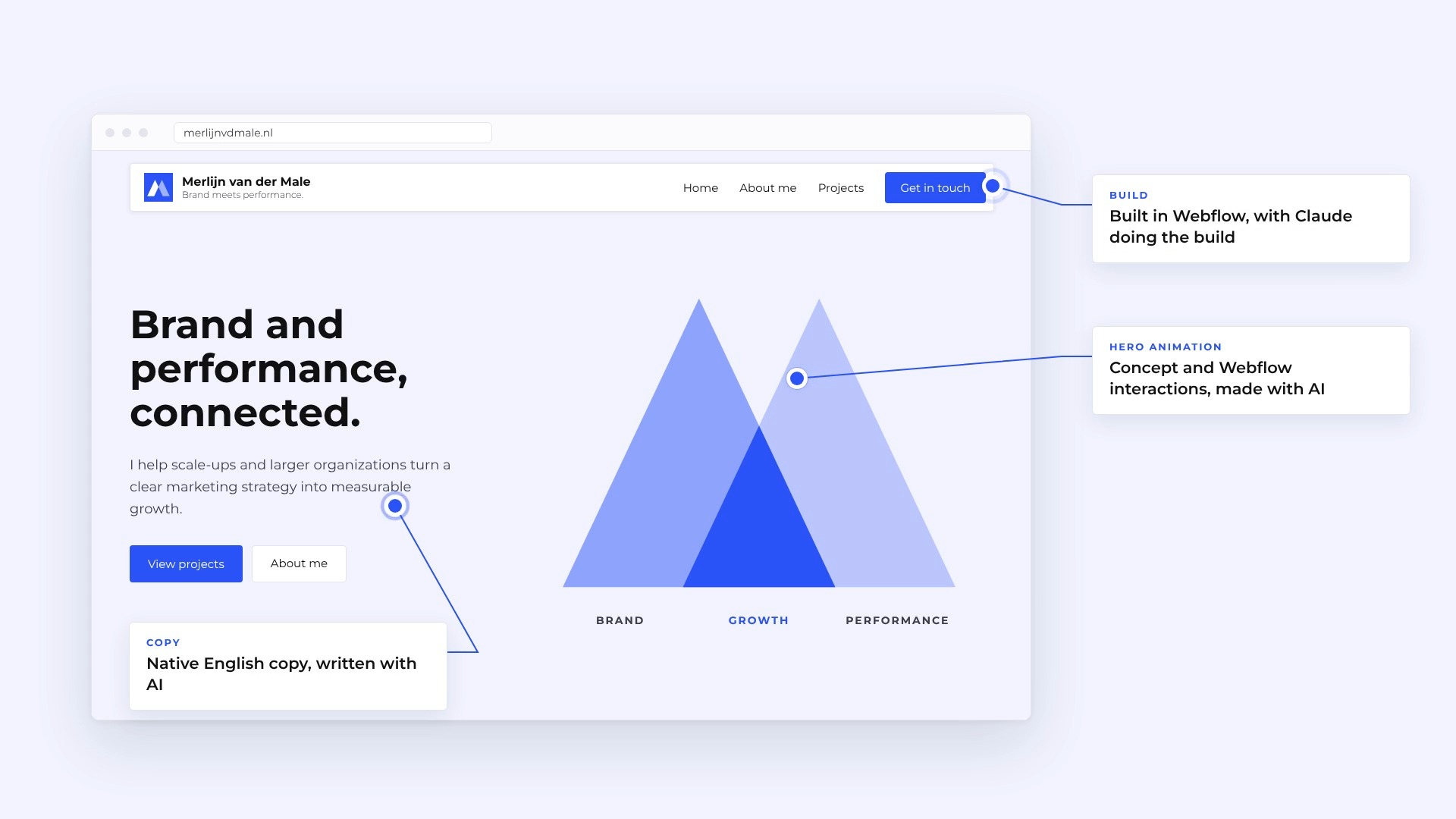
English copy written with AI, and a hero animation of two peaks that connect as you move the mouse.
CV
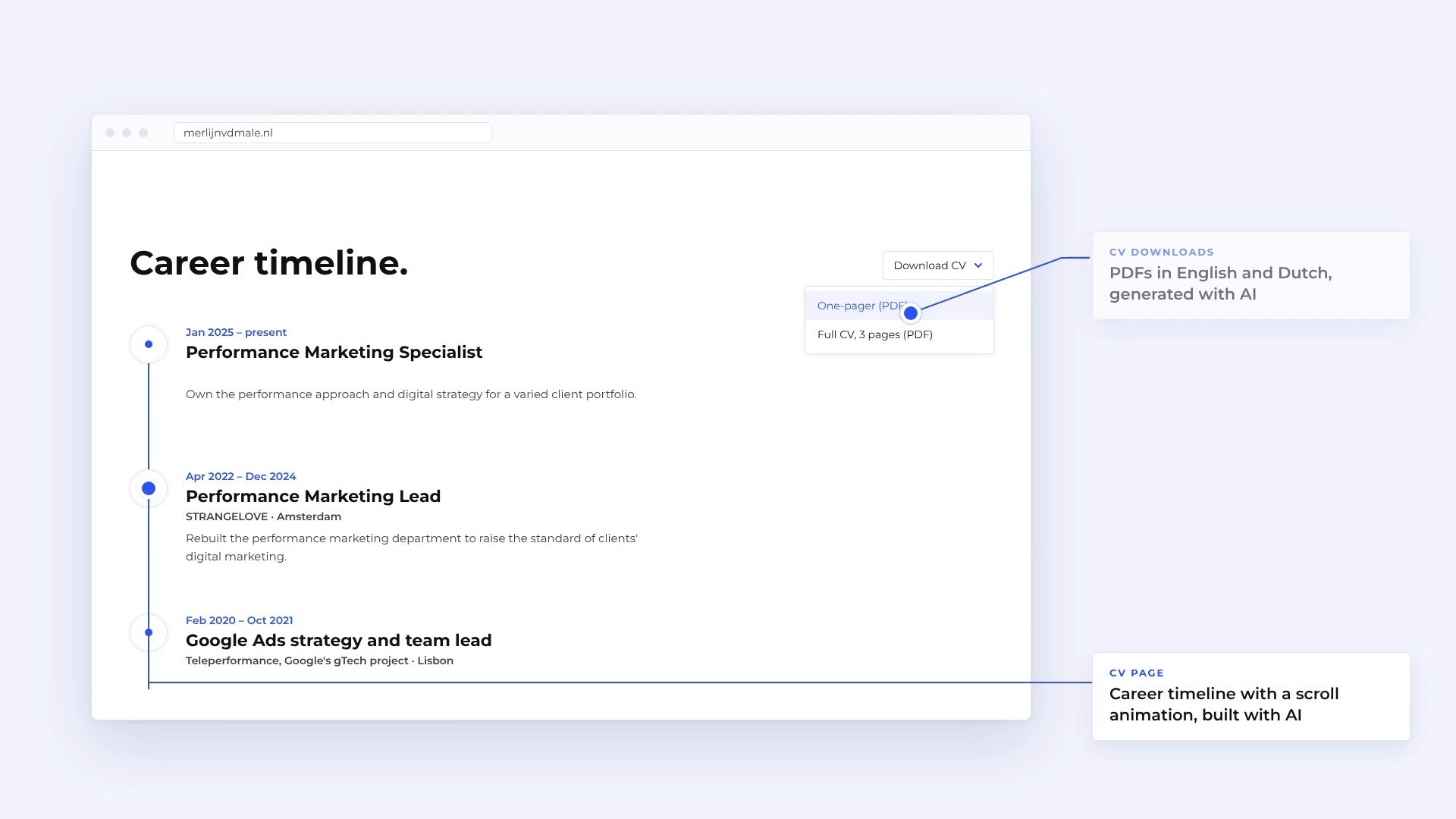
A career timeline with a scroll animation, plus PDFs in English and Dutch.
The details
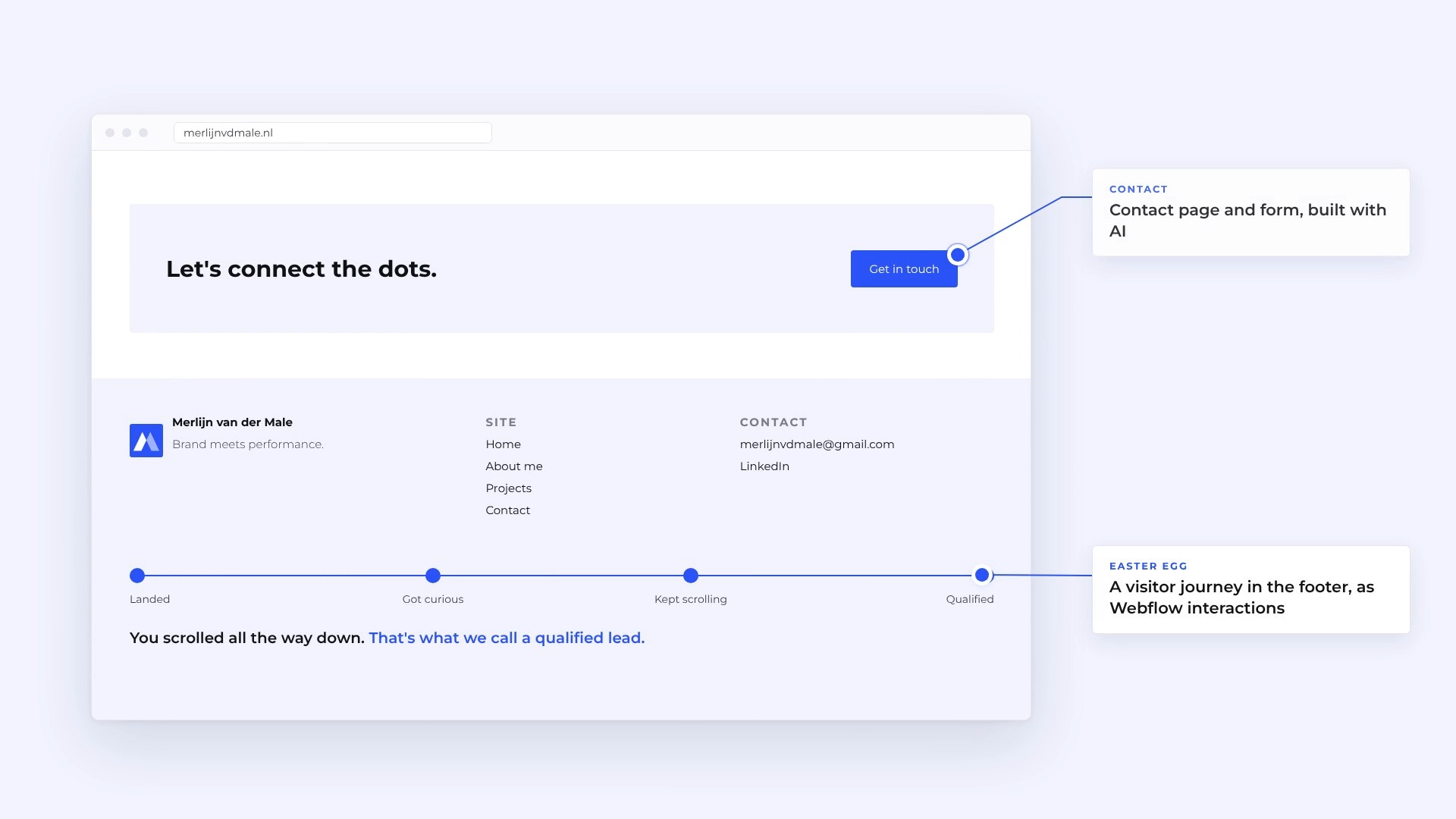
A contact form, and a footer journey that ends with “That’s what we call a qualified lead.”
Three setups
The same site, built three ways as a test of the process. All three can get there. Webflow took the least plumbing, Elementor added visual editing inside WordPress, and my own theme removed the page builder altogether.
Webflow and Claude
The quickest start
- What Claude does
- Connects to pages, CMS, assets and SEO
- Still by hand
- Publishing and final checks
- Where I edit
- Webflow Designer
- Design freedom
- High, within Webflow
- Running costs
- Webflow plan(s)
Elementor and Claude
Visual editing in WordPress
- What Claude does
- Connects to pages and styles
- Still by hand
- Media, plugins and SEO fields
- Where I edit
- Elementor editor
- Design freedom
- High, within Elementor
- Running costs
- Hosting and Elementor Pro
Own theme and Claude
This site runs on itFull control, no page builder
- What Claude does
- Writes the theme and blocks as code
- Still by hand
- Uploading each code change
- Where I edit
- WordPress block editor
- Design freedom
- Complete, in code
- Running costs
- Hosting